How to Grow Your Sausage Player Tools & Checklists
Copy-paste planners for prestige, shopping, and daily idle routines—markdown you can actually use.
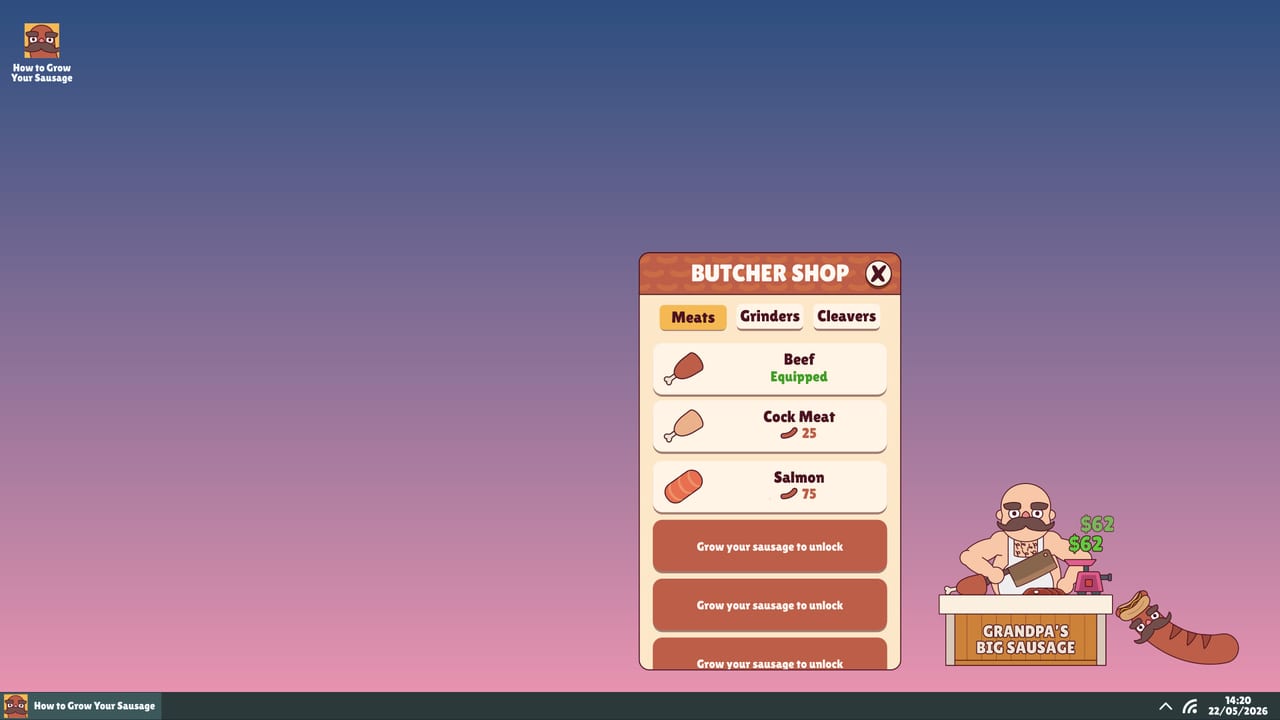
The Tools Hub collects practical planners for How to Grow Your Sausage. These are checklists and tables, not fake JavaScript calculators pretending to know hidden multipliers. Idle companions reward habits: when you buy, when you prestige, and how you structure a day of real PC use. Deep system rankings live in the Tier List Hub; onboarding lives in Getting Started.
Primary child tool: Prestige Planner — a step-by-step decision checklist before you reset for Golden Sausages and permanent multipliers.
What belongs on a tools page
- Prestige go / no-go questions
- Upgrade shopping order templates
- Item loadout swap reminders
- Daily / weekly growth routines
- Pre-patch and post-patch audit lists
What does not belong: fabricated DPS formulas, invented code redeemers, or “guaranteed” centimetre predictors. When official numbers are unknown, we ask better questions instead of hallucinating maths.
Prestige checklist (preview)
Use the full flow on the Prestige Planner. Short version:
| Step | Question | If unsure |
|---|---|---|
| 1 | Are unlockables currently stalled mainly by run-local soft caps? | Push growth a bit more |
| 2 | Will the next permanent multiplier beat another shop clear? | Compare one more upgrade hour |
| 3 | Is your meat/grinder/cleaver trio coherent? | Fix items first |
| 4 | Cloud save synced if you multi-box PCs? | Enable Steam Cloud |
| 5 | Ready for Time Travel layer planning later? | Read Launch Notes |
Upgrade shopping list template
Copy into notes and fill with your current shop rows (names will match your build):
| Priority | Role | Bought? | Notes |
|---|---|---|---|
| S1 | Process efficiency | [ ] | See Best Upgrades |
| S2 | Income / feed value | [ ] | |
| S3 | Unlock accelerator | [ ] | |
| A1 | Session-specific boost | [ ] | Typing day vs AFK day |
| B1 | Bridge upgrade | [ ] | |
| C1 | Vanity / flex | [ ] | After prestige maths |
Rule of thumb: do not tick C-rows with currency you might convert into a smarter prestige tonight.
Daily growth routine
Idle games thrive on boring consistency.
Morning (2 minutes)
- Launch companion; confirm it is visible while you work.
- Claim anything on the Free Gifts screen if present (Codes Hub explains why that is not a Roblox code list).
- Glance Game Stats for overnight growth.
Work block (passive)
- Type/click as usual—cleaver conversion does the rest.
- If you hit an unlockable, pause once to spend intelligently.
- Swap to an active-typing item loadout only if you know it helps (Best Items).
Evening (5–10 minutes)
- Spend surplus on S-tier upgrade roles.
- Run prestige questions if the button is glowing.
- Optional Photo Mode shot for Discord flex (Official Links).
- Skim Updates if Steam news pinged.
Weekly
- Re-tier loadouts after new unlocks.
- Audit costume vouchers post-rework (Costumes).
- Compare Steam sale badges if you gift friends (Steam Deals).
Session-type planner
| Session | Focus | Equip bias | Spend bias |
|---|---|---|---|
| Deep work typing | Conversion | Cleaver + specialty meat | Efficiency upgrades |
| Browser AFK | Sustain | Staple meat + reliable grinder | Passive income |
| Prestige night | Permanence | Whatever clears last unlock goals | Exclusive shop after reset |
| Fashion Friday | Vibe | Costume set | Vouchers only with surplus |
Pre-patch audit
Before a known update:
- Screenshot Game Stats
- Note current prestige count / Time Travel status
- List equipped items
- Avoid huge soft sinks if notes hint at rebalance
- After patch, reread Launch Notes style summaries and adjust tier lists
Why checklists beat fake calculators
Community calculators go stale the moment Little Horror Studios rebalances—exactly what happened between demo and 1.0. A good question list still works when percentages change. When exact APIs or data mines appear, we can add number-aware tools later without deleting these habits.
Related reading
Print the tables, tick the boxes, grow on purpose.
Frequently Asked Questions
Quick answers for sausage growers.
Is there a damage or growth calculator?
Not here. We ship checklists and planners instead of fake calculators that invent multipliers. Use in-game Stats plus these questions.
Which tool should I open first?
Prestige Planner if a reset is available; otherwise use the shopping list and daily routine on this hub with the upgrade/item tier pages.
Do these lists work after patches?
Yes—questions stay valid even when numbers change. Re-check Updates after major patches and adjust priorities.
Can I suggest a new planner?
Follow community discussions via Official Links and keep using Steam/Discord as primary feedback channels to the developer.